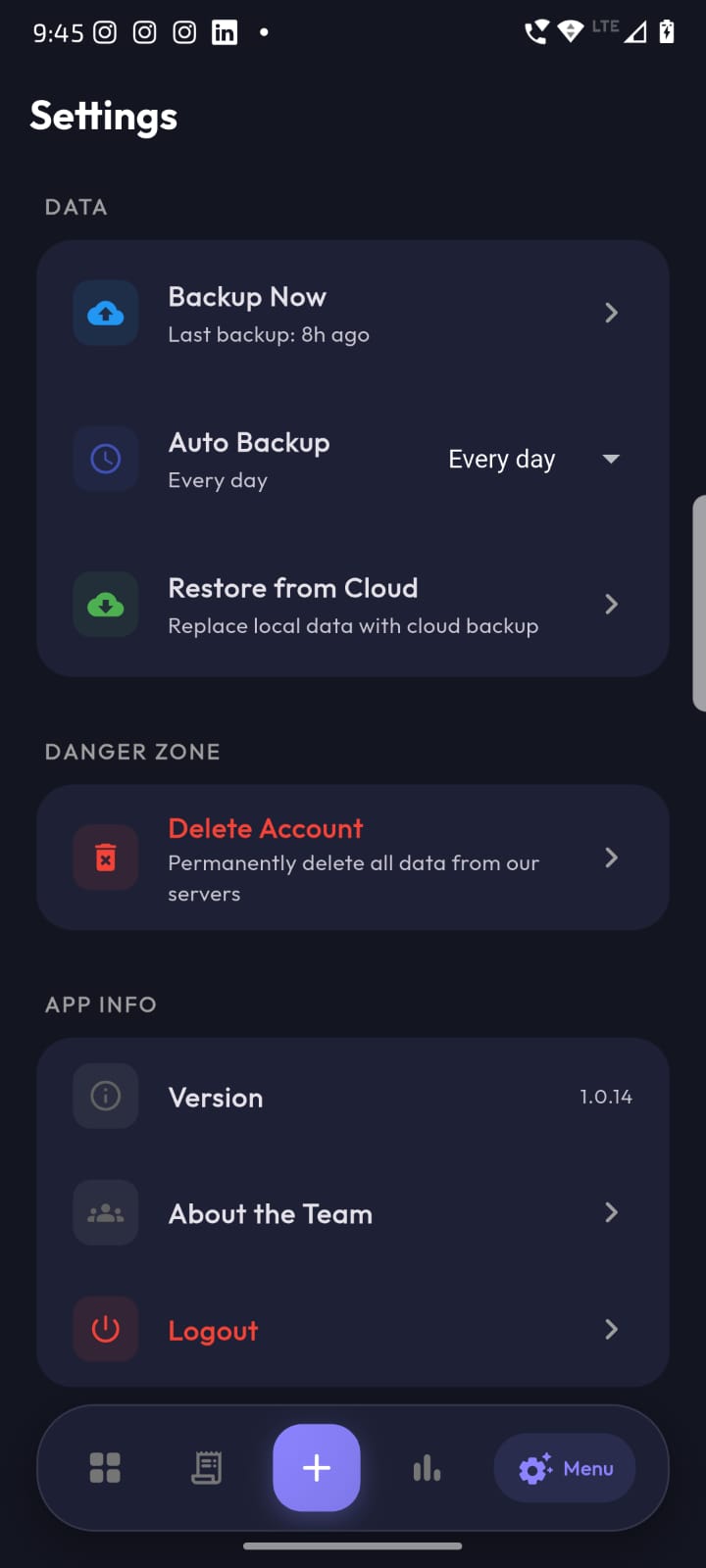
A finance cockpit you actually enjoy opening
Open the app and instantly see your total balance, this month's income, expense, debts summary and quick actions — all on a single beautiful gradient card.
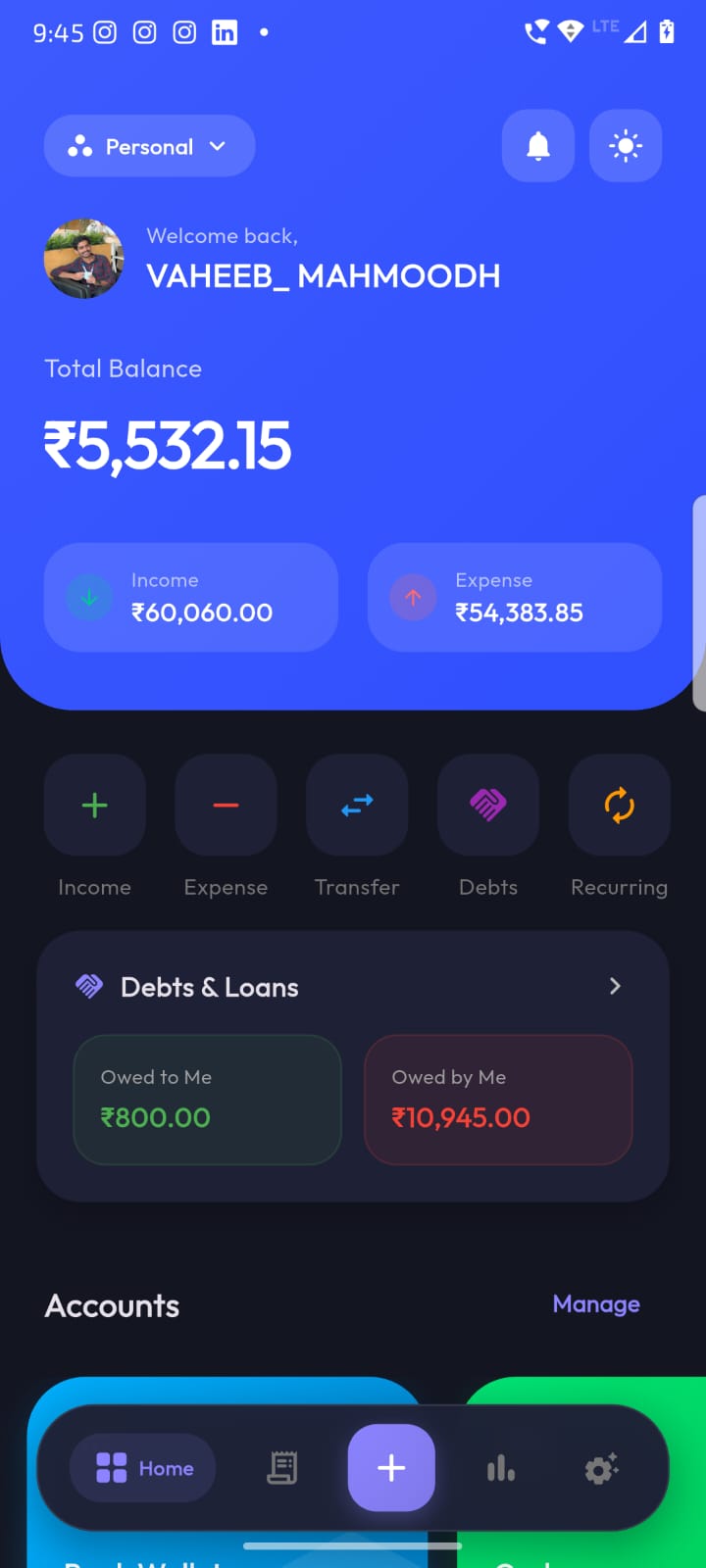
Colorful wallet cards, zero clutter
Every account gets its own vivid card — Bank, Cash, or any custom wallet. Right below, upcoming bills and the latest transactions keep you updated without scrolling.
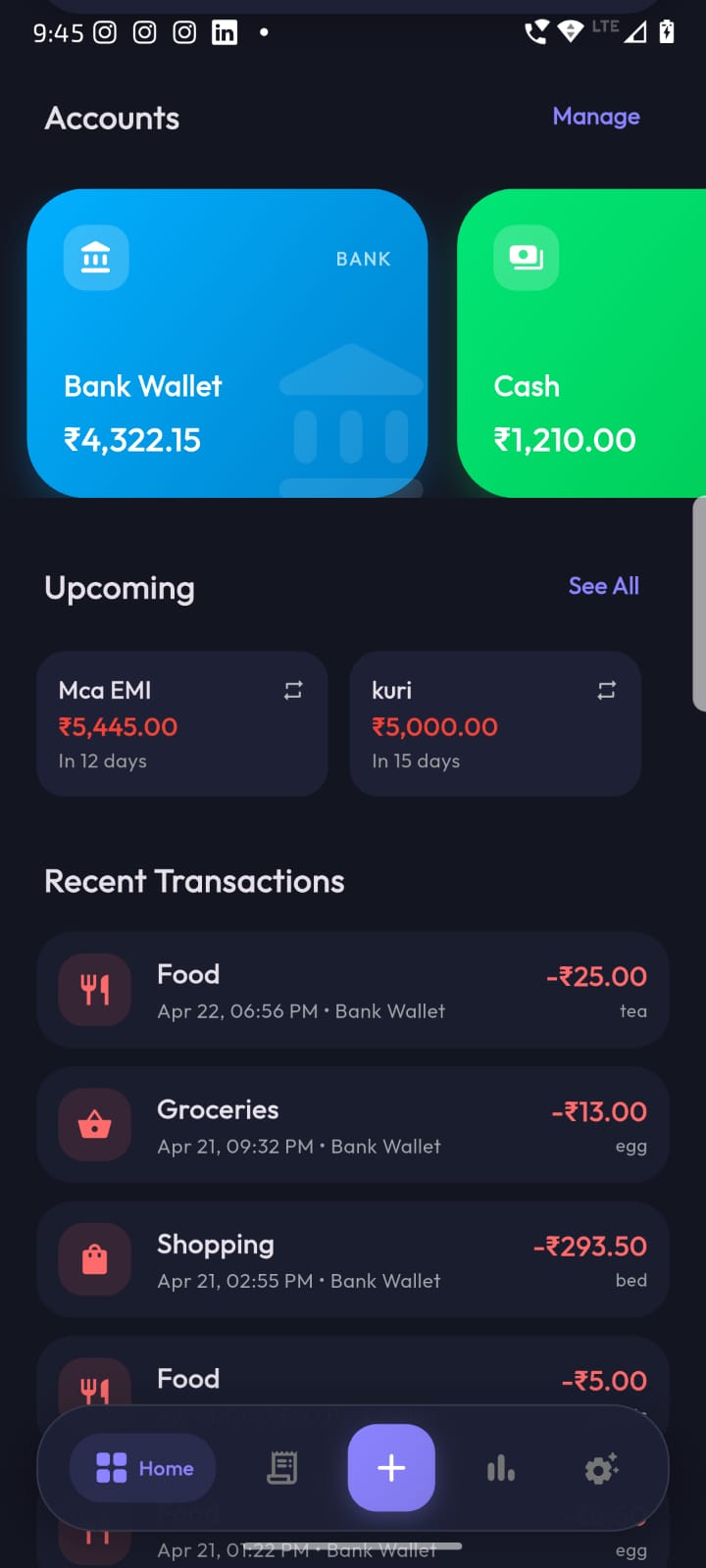
Day-wise history, grouped & searchable
A calm, scrollable ledger of everything you've spent and earned — neatly grouped by date with notes, category icons and the exact wallet each transaction touched.
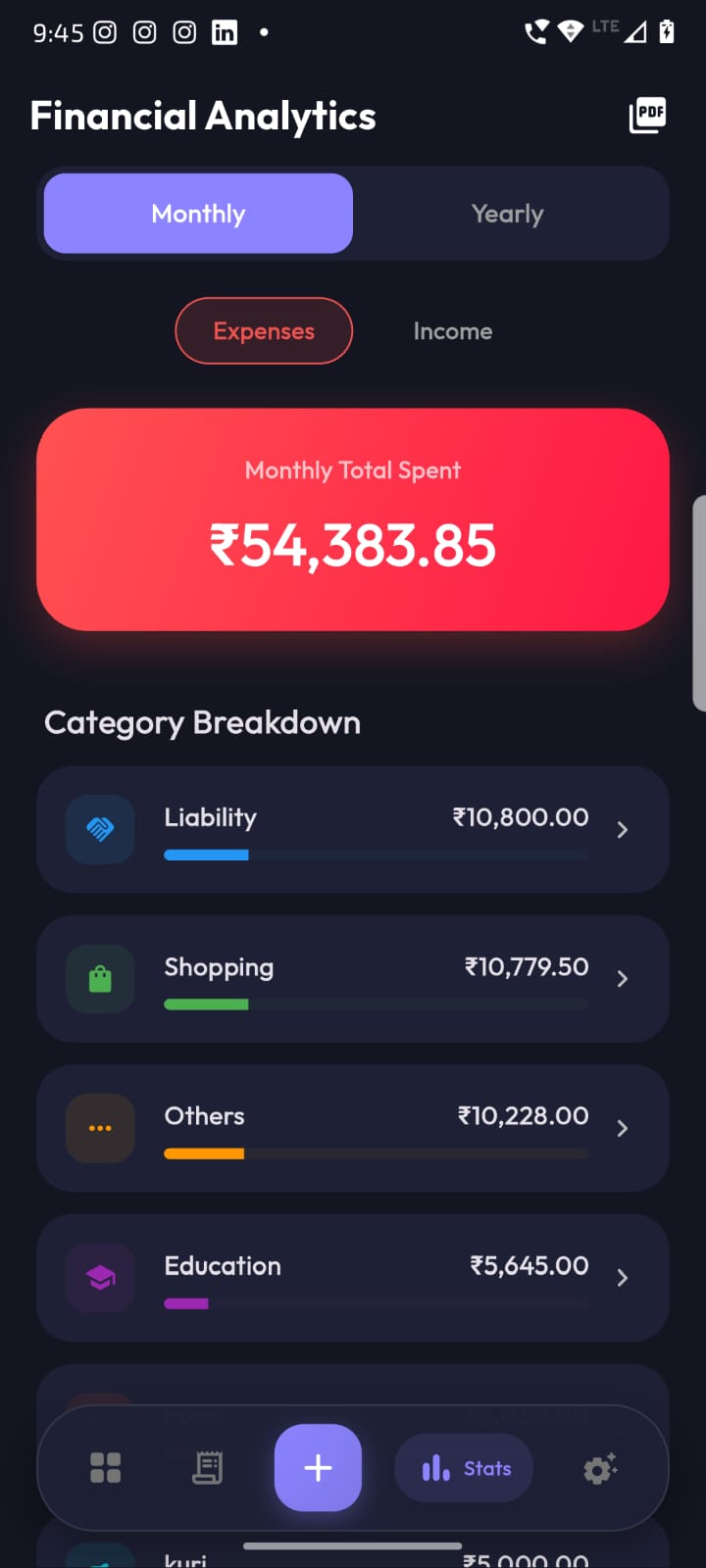
See exactly where your money goes
Toggle between Monthly and Yearly, switch Expenses vs. Income, and watch your categories rank themselves — with progress bars and totals you can actually read.
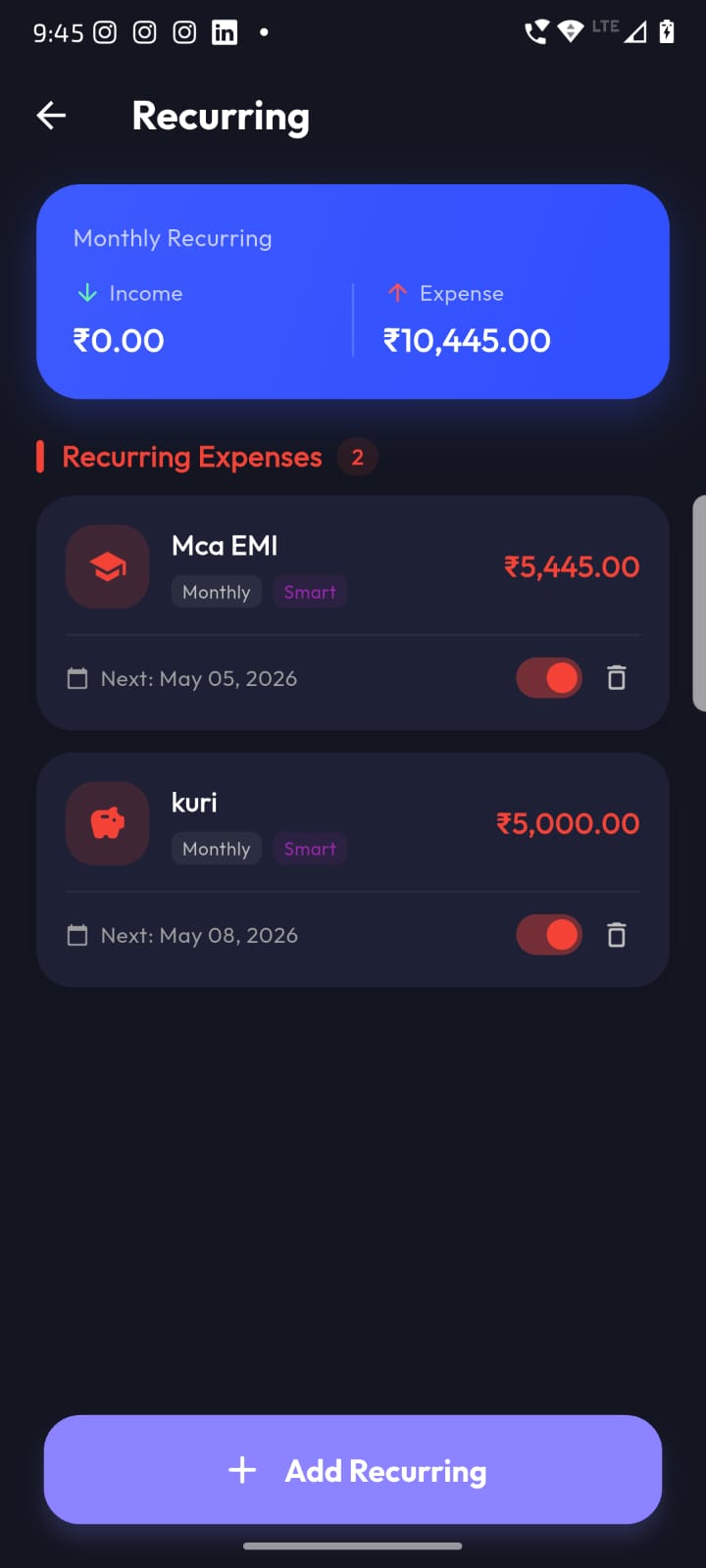
Automate the boring stuff
EMIs, chit funds, subscriptions, salaries — set them once and Expense Manager calculates the next due date, shows upcoming totals and keeps your monthly cashflow accurate.
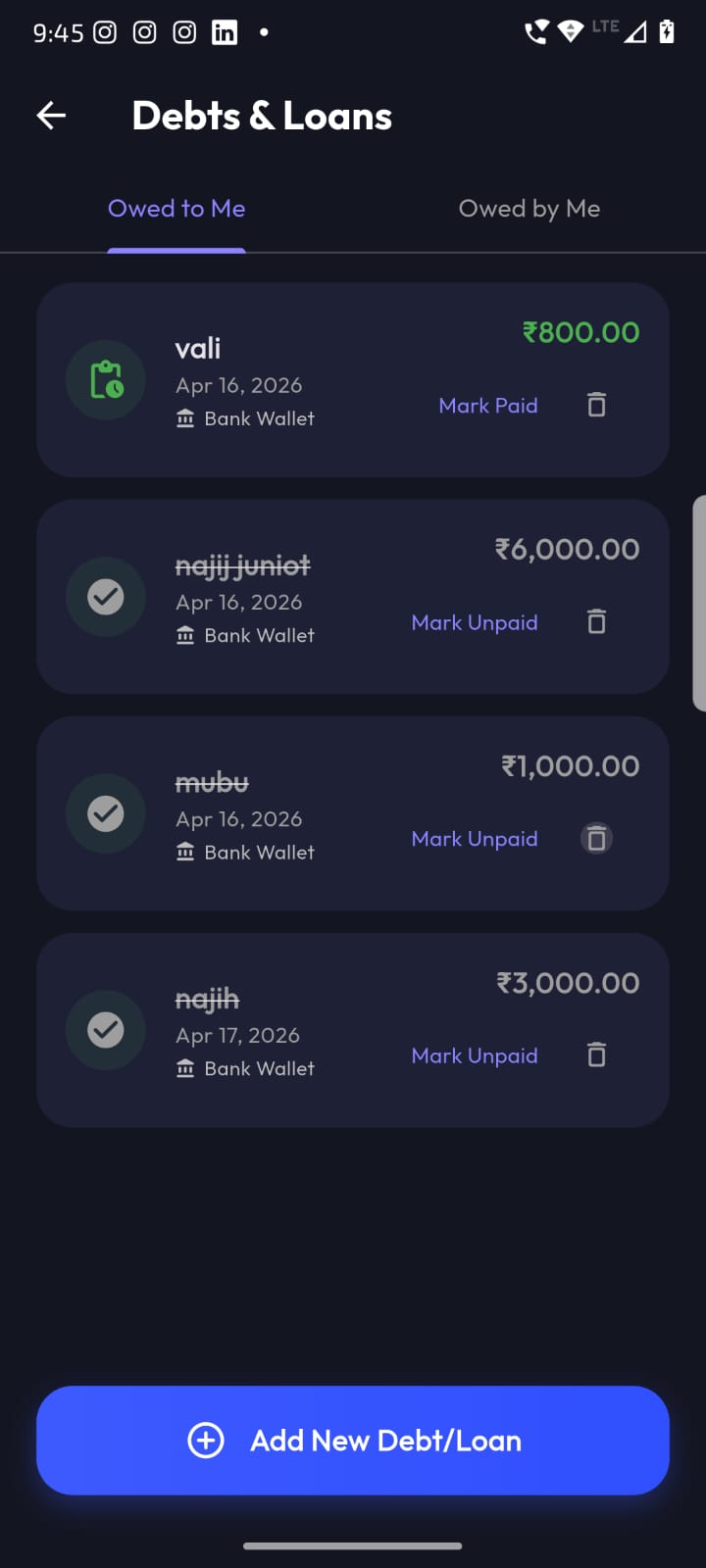
Never forget who owes whom
Track money you've lent and money you owe — with a crisp paid/unpaid state, the account it came from, and a clean strike-through for settled entries.
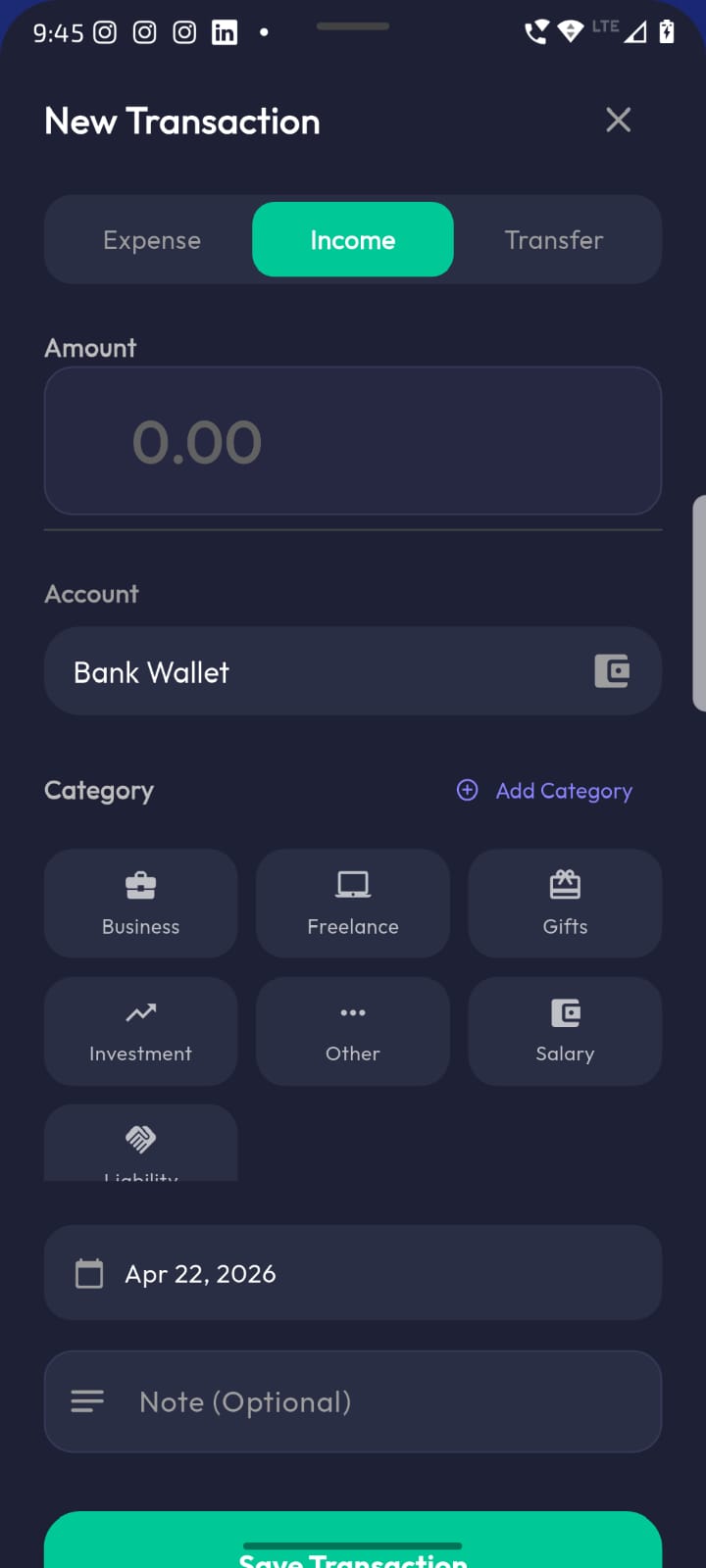
Log money in under 5 seconds
A focused, thumb-friendly sheet — pick Expense / Income / Transfer, tap amount, choose account & category, done. No confusing forms, no dead taps.
Move money between wallets, cleanly
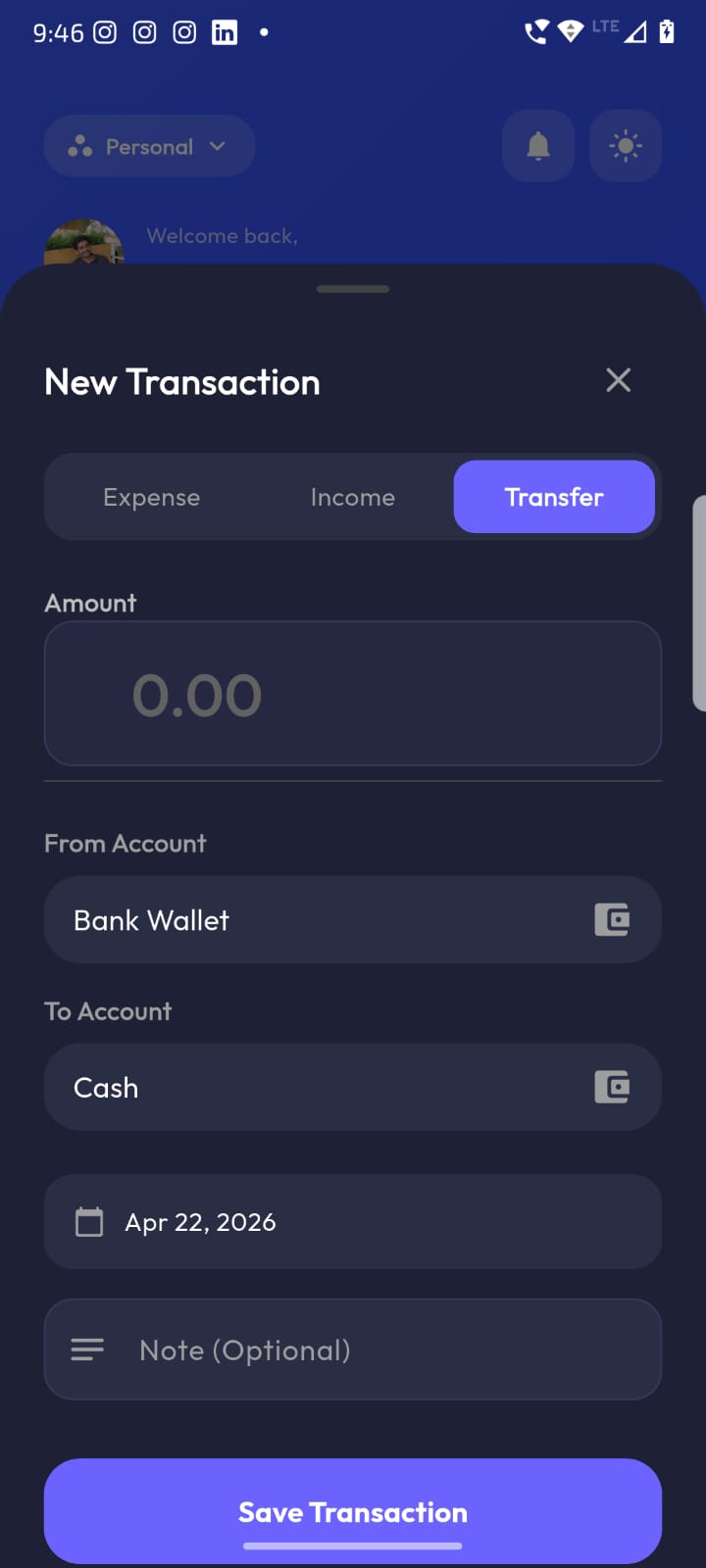
Bank to Cash, Cash to Wallet — transfers are first-class citizens. From/To account, amount, date, optional note. Balances update in real time.
You control everything
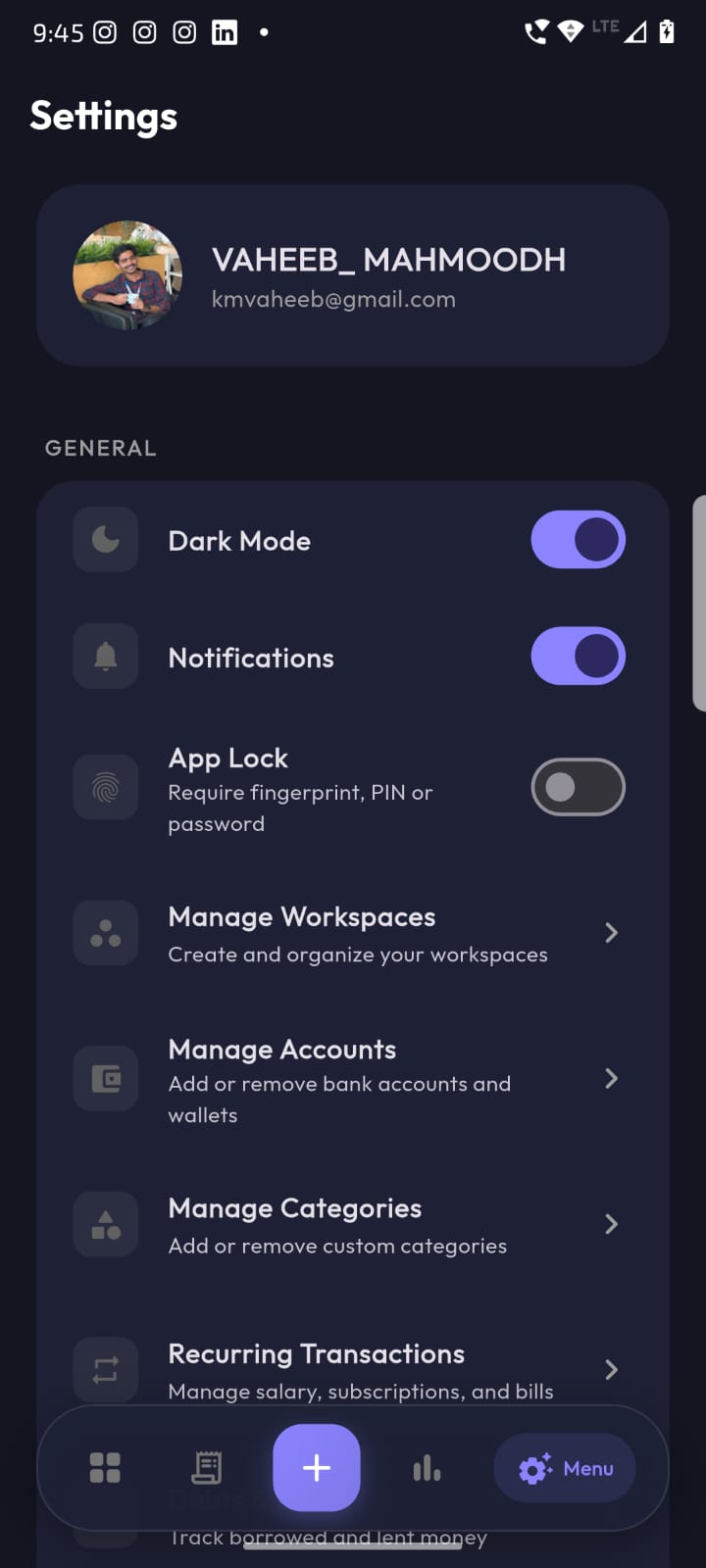
Profile, Dark Mode, Notifications, App Lock (fingerprint / PIN / password), Workspaces, Accounts, Categories and Recurring — all in one calm settings screen.
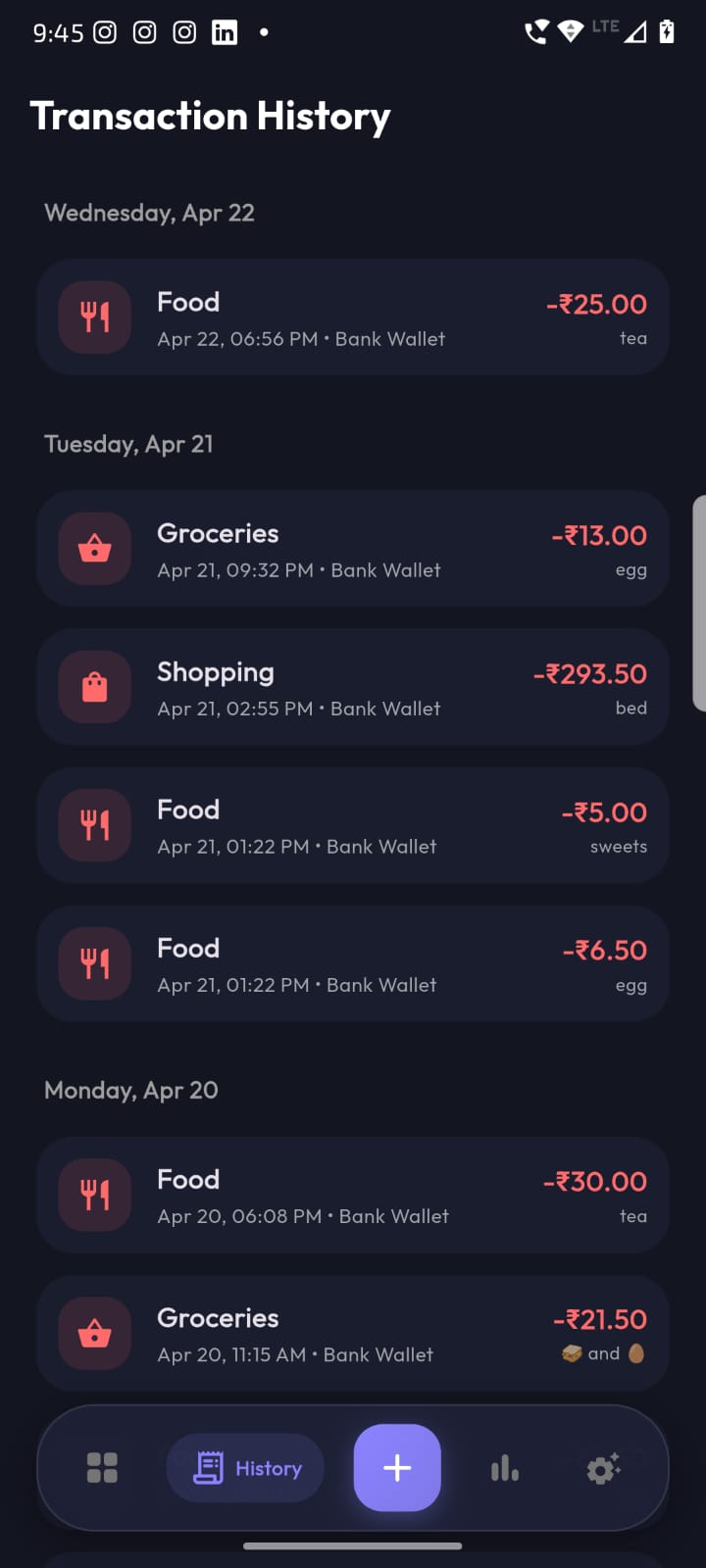
Your data, safe forever
Daily automatic cloud backup, on-demand "Backup Now", and one-tap restore when you switch devices. Plus a transparent Danger Zone for full account deletion.